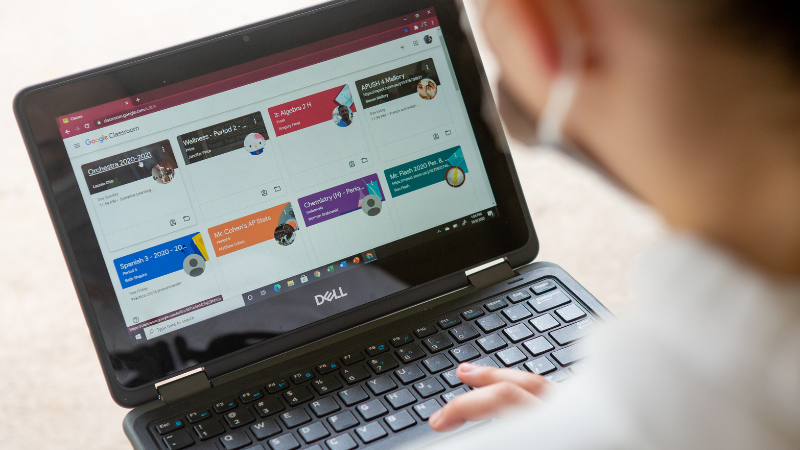
Teachers and administrators are being challenged by students who bring their smartphones, tablets, laptops and other devices to school, making it more important for them to consider the role of technology in the classroom.
Last month we spent time discussing whether laptops should be allowed in the classroom. Although this argument is not settled and often depends on school policy, the fact is that students expect to be able use laptops in the classroom. Schools are now using mobile device managers (MDMs), which allow them to restrict what their students can do on their devices. Teachers who allow their students to use these tools in class must have a plan to ensure a positive learning environment and to prevent distractions.
Let’s take a look at six ways teachers can use technology in the classroom.
1) Create an electronic policy
Teachers who intend to use technology in the classroom need to clearly communicate the rules. Technology standards that are not clearly defined can make it seem like a random choice to students. This can cause problems in the classroom and can create problems throughout the school year. Edutopia points out that policies don’t have to be boring. Teachers who are honest about the reasons behind policies and openly discuss them with students create expectations for behavior and a framework for enforcement that is easy for students to understand. It is a smart idea to create an “electronic ethics” policy for students who use devices in class. These guidelines could also include guidelines for sharing, naming and storing digital files. This is similar to the class standards for headings in essays or other assignments.
2) Create consequences without disrupting classwork
Classroom rules, technology-related or not, only stand if they are enforced by the teacher. Active monitoring by teachers is essential in order to keep students focused, despite all the distractions offered by digital devices. Edutopia states that disruptions should be more troublesome for students than they are for teachers. The simplest way to deal with a student who uses apps or browses the internet in ways unrelated to schoolwork is to remove their device from class. Tell them to stop using the device to take notes. If they are creating a presentation or writing plans, they can transfer the information to the presentation at home. Consider giving students who are chronically distracted extra work in the assignment to help them stay focused. Ask the student to look up additional information or assist classmates with technical problems (see #6).
3. Key Phrases for Student Attention
It can be difficult to regain the attention of students engaged in projects in class. This is especially true if they are focused on their tablets or computers. Repeatable phrases such as “all eyes on you” or “close, flip your devices” can be used to teach students how to quickly react and what the consequences are if they don’t. Students can also be given a two-minute warning to stop them from rushing to finish work and move on to the next activity.
4) Take a look at their shoulders
Instructors should look around the classroom to ensure that students are following instructions. This includes checking for distractions and minimizing open windows. Students will be less likely to access social media or play games if they are aware that their teacher is always behind them. This can be made easier by the layout of the classroom. Teachers should have easy access to their desks without having to climb over books bags or cables to get to different areas of the classroom. This accountability is essential because students may take advantage of “device-time” and lose sight of the task at hand, which can distract them from other students.
5) Start Assignments “Offline”
Education World suggests that teachers give instructions to students before they turn on their devices in order to ensure students are clear about their assignments and prevent distractions. This will help students understand their assignments and strengthen the role of technology within the classroom. Students can also create a video or presentation for class by having them draw a plan for it before they start to build it on the computer. Students will be able to focus on the task at hand and not lose sight of it when they begin creating a digital project. This will allow them to think beyond the templates offered by programs such as PowerPoint or iMovie.
6) Get students to work
While teachers may be the experts in their subject, students are often more knowledgeable about the technology than they are. This knowledge can be put to good use by wise instructors who enlist tech-savvy students to assist others in class with technical problems. Students can help their classmates with tablet or computer issues. This is a win-win situation for all: the student feels valued and the teacher can concentrate on the lesson and classroom management.